New Homepage Launched
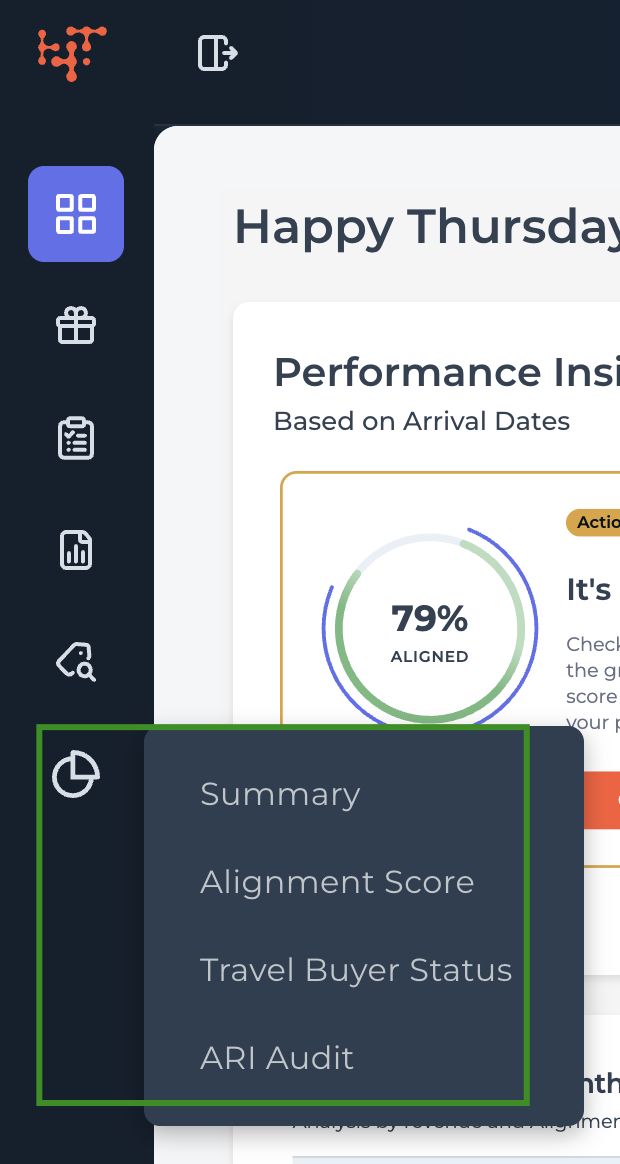
We’ve introduced a redesigned homepage for your Supplier Portal, making it easier to access key performance insights at a glance.
What’s new on the homepage
The new homepage includes three core sections:
Performance Insights
Get a quick snapshot of your key performance indicators (KPIs) for the last 365 days, based on arrival dates.
Booking Pace
The same booking pace insights you’re familiar with—now in a more prominent location.
Promotions
View a quick summary of your most recent promotions and track how they’re performing.
New Home for Dashboards: Analytics Hub
All performance reports have moved to a dedicated space called the Analytics Hub.
The Analytics Hub now centralizes:
This update helps keep the homepage focused on high-level insights, while giving your analytics room to grow.