Here’s how you can enable or disable a promo:
- In the promo grid, find the promo you wish to modify by utilizing the search functionality for quick navigation.
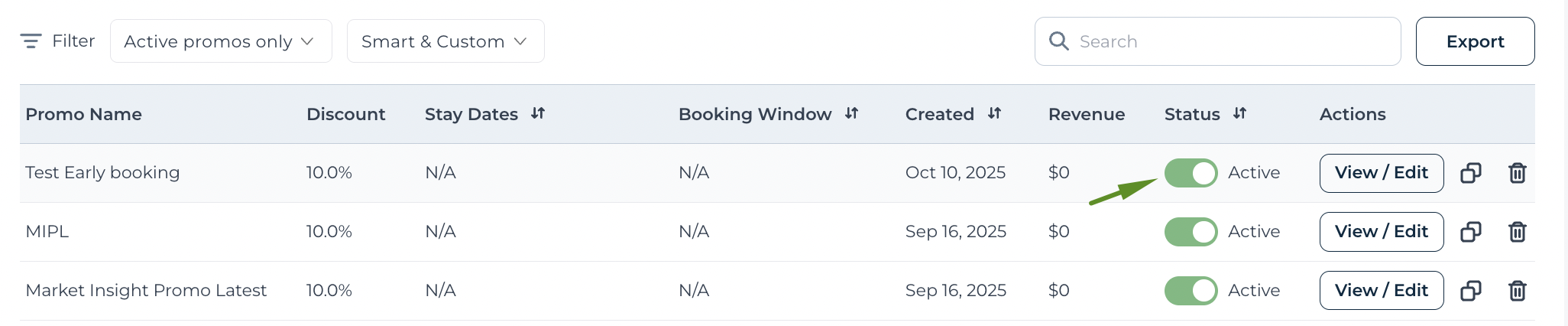
- At the promo's corresponding row, use the toggle button to Activate or Deactivate a promotion.
- A confirmation pop-up will appear as a safeguard; click Continue to affirm your decision.
Your promo is now activated/inactivated with immediate effect.